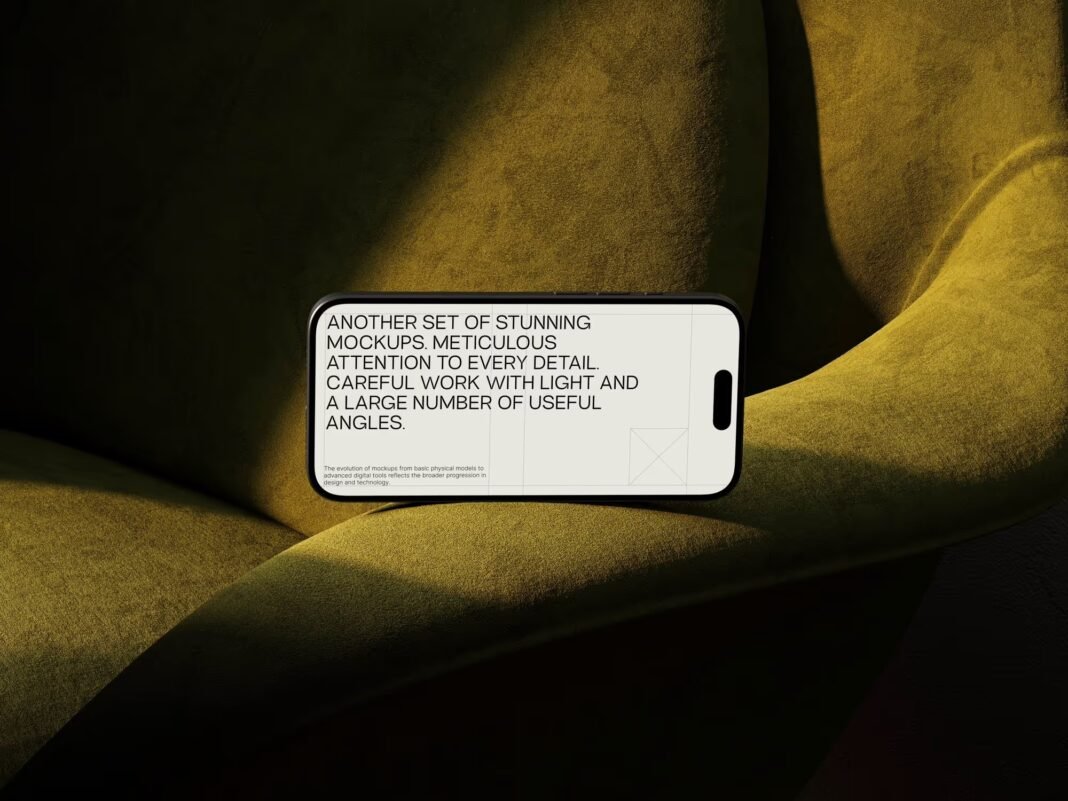
Mobile shopping has officially taken over. More than 60% of all online purchases now happen on smartphones, and for e-commerce brands, that stat isn’t just interesting — it’s existential. If your product doesn’t look stunning on a phone screen, you’re leaving money on the table. That’s exactly why savvy brands have made iPhone mockup a cornerstone of their visual marketing strategy.
But what’s the actual mechanism here? How does placing a screenshot inside a phone frame translate to real revenue? Let’s dig in.
Why Mobile Context Changes Everything
There’s a psychological reason mockups work so well: context collapses uncertainty.
When a shopper sees your app or website interface floating as a flat screenshot, their brain has to do extra work — imagining how it might look in real life, on their own device. A well-crafted iPhone mockup eliminates that cognitive gap entirely. The product feels immediate, tangible, real.
E-commerce stores that sell digital products — apps, UI kits, templates, Shopify themes — have known this for years. But increasingly, brands selling physical goods are catching on too. Lifestyle photography is expensive. A mockup showing your mobile checkout flow, your loyalty app, or even your product detail page on an iPhone screen? That’s achievable, scalable, and highly effective.
Real-World Applications: How Brands Actually Use Mockups
This isn’t theoretical. Here are concrete examples of how e-commerce companies integrate iPhone mockups into their workflows:
App-first brands like fashion retailers and food delivery services use mockups on their App Store listing pages and Meta ad campaigns. Showing a seamless in-app browsing experience directly increases installs — and installs drive sales.
Shopify theme developers place mockups on their storefront landing pages to demonstrate how their themes respond on mobile. A split-screen mockup showing desktop vs. iPhone view has become a conversion staple in that niche.
Independent creators and SaaS founders use mockups in Product Hunt launches. A polished iPhone frame around your interface signals professionalism before anyone reads a single word of your copy.
Beauty and skincare brands screenshot their mobile product pages and wrap them in lifestyle iPhone mockups — a phone resting on a marble surface next to serums and towels — blending product photography with UX storytelling.
The common thread? These brands understand that showing their experience on a device is more persuasive than showing the experience alone.
Where Mockups Fit in the Conversion Funnel
Mockups aren’t just for hero banners. Their real power comes from versatility:
- Top of funnel: Paid social ads with iPhone mockups consistently outperform plain screenshots in A/B tests — the phone frame creates a native, thumb-stopping visual
- Mid funnel: Email campaigns showcasing a mobile-exclusive deal or app feature feel more compelling when wrapped in a device frame
- Bottom of funnel: Landing pages with mockups showing the mobile checkout process reduce friction anxiety — shoppers see that buying on their phone will be smooth
The takeaway is simple: a mockup isn’t a one-trick asset you use once on a landing page and forget. Placed strategically across every stage of your funnel, it reinforces the same message — your mobile experience is worth trusting. That consistency builds the kind of brand familiarity that turns first-time visitors into repeat buyers.
iPhone Mockups on ls.graphics
For brands serious about visual quality, ls.graphics has become a go-to resource. Their iPhone mockup collection stands out for ultra-realistic rendering that’s nearly indistinguishable from actual photography. Files come with organized, clearly labeled layers so swapping your screen content takes seconds, not hours. You get a wide range of angles — front-facing, perspective, isometric — plus multiple color styles to match any brand palette. The compositions are stylishly minimalist, never cluttered. There’s even an Edit Online feature that lets you customize mockups directly in the browser. Best of all, a generous library of free scenes means you can test before you commit.
Choosing the Right Mockup for Your Campaign
Not every mockup fits every context. Consider your background, your brand colors, and your audience’s expectations before choosing:
- Flat lay shots suit lifestyle brands perfectly — a phone resting naturally among relevant props tells a story without saying a word
- Straight-on hero mockups work better for app landing pages where clarity and interface legibility are the priority
- Angled perspective shots shine in carousel ads and social media content, adding depth that catches the scrolling eye
- Split-screen mockups (desktop vs. iPhone) are a conversion staple for Shopify theme developers and SaaS landing pages
- Lifestyle-integrated mockups — a phone held in hand or placed in a real environment — work best for DTC brands that sell physical goods alongside a mobile experience
A DTC skincare brand and a B2B SaaS tool have wildly different visual languages. Your mockup should speak the right dialect — because the wrong frame around the right product can still kill the mood.
Conclusion
iPhone mockups have evolved from a designer’s convenience into a genuine sales tool. They bridge the gap between a user’s current reality and your product’s potential — and that bridge converts. Whether you’re running paid ads, building a landing page, or launching on Product Hunt, the brands winning mobile attention are the ones presenting their experience in context.
Start with quality assets. Tools like ls.graphics give you the visual foundation to build campaigns that don’t just look good — they perform.