The Steam Deck’s small display and the PS5’s TV dependency share one weakness: they lock gamers into compromised viewing setups. Finding the best AR Glasses for Steam Deck has become a real search — and so has finding the best AR glasses for console gaming in general.
The RayNeo Air 4 Pro costs $299 and claims a world-first: HDR10 support in AR glasses. I tested it on both the Steam Deck and PS5 to determine whether this wearable display improves gameplay or just adds clutter. Here is what the hardware, gaming tests, and head-to-head competitor comparisons revealed.
Why Handheld Gamers Need a Display Upgrade
The Steam Deck LCD uses a 7-inch, 1280×800 display; the OLED model upgrades to a 7.4-inch HDR panel. Either way, the screen caps the visual experience below what most games can render. Colors flatten under overhead lighting, and small text becomes hard to read.
The PS5 outputs 4K with HDR, yet most players share one living room TV. Late-night sessions mean disturbing others — or squinting at a phone through Remote Play. Neither option respects what the hardware can actually produce.
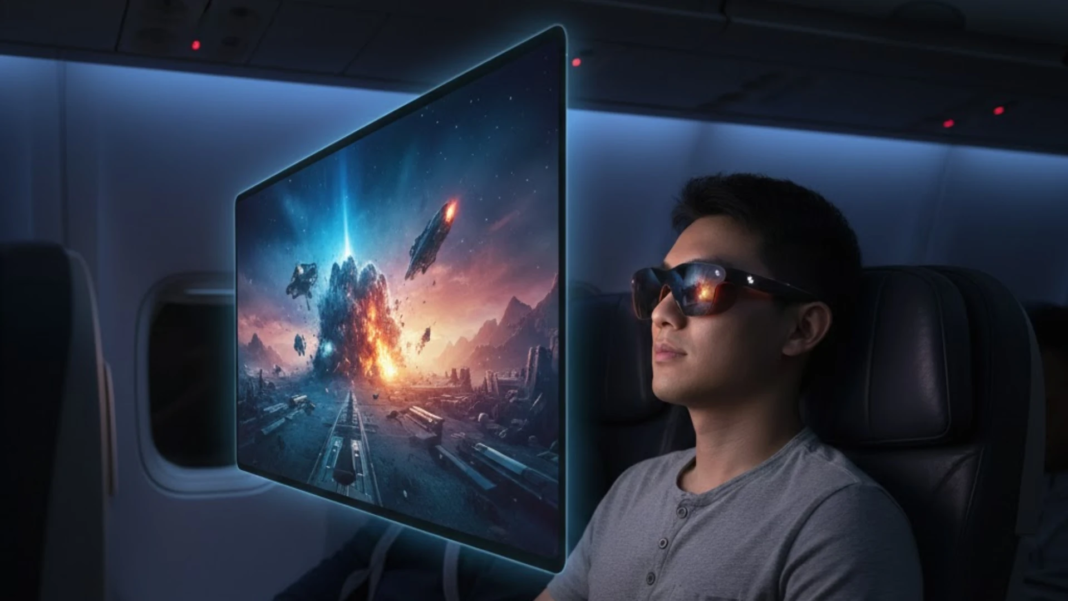
AR glasses solve both problems directly. They project a private, large-format virtual display in front of your eyes with no TV required. The best AR glasses for gaming now deliver specs that rival dedicated portable monitors — including the options marketed as the best AR Glasses for Steam Deck.
RayNeo Air 4 Pro: What the Hardware Delivers
The Air 4 Pro packs several hardware firsts into a 76-gram frame. Among the best AR glasses in 2026, it prioritizes display technology over extra features. Here are the key specs separating it from competitors.
HDR10: A First in AR Glasses
RayNeo calls the Air 4 Pro the world’s first HDR10-capable AR display glasses — a claim echoed by ZDNET and TechRadar. With 10-bit color delivering over 1 billion colors across a claimed 98% DCI-P3 gamut and ΔE<2 accuracy, the specs read closer to a monitor than a wearable.
The Vision 4000 Chip
Co-developed with Pixelworks, this processor upscales SDR content to HDR in real time. Most Steam Deck games output SDR, so the AI conversion adds visible depth to shadows and highlights automatically — no manual adjustment needed.
120Hz Micro-OLED Panel
Each eye gets a 1920×1080 Micro-OLED at 120Hz. RayNeo rates the virtual screen at up to 201 inches at 6 meters, or 135 inches at closer range. It fills peripheral vision far better than a handheld, and the refresh rate keeps action sharp.
Audio Tuned by Bang & Olufsen
Four speakers co-tuned by Bang & Olufsen deliver 360-degree spatial sound with a whisper mode that cuts leakage — useful when gaming near others. The open-ear design avoids the sealed pressure of over-ear headphones during extended play.
76 Grams, Balanced Fit
The 46.7:53.3 front-to-back weight ratio spreads pressure evenly across the nose bridge. TÜV SÜD certification covers low blue light and 3840Hz flicker-free dimming, addressing eye fatigue during long sessions — key for any best AR Glasses for Steam Deck contender.
Steam Deck Gaming Test
I connected the Air 4 Pro to a Steam Deck OLED through a single USB-C cable. No adapter, no app installation, no configuration menu. The display appeared instantly. For gamers evaluating the best AR Glasses for Steam Deck, this zero-friction setup matters more than any spec sheet.
Plug-and-Play Connection
The glasses draw power directly from the Steam Deck — no internal battery to charge separately. One cable handles both video and power delivery. Total setup time from unboxing to gameplay measured under 30 seconds, and the Steam Deck OLED maintained stable output with no signal drops.
Visual Quality in Games
I tested Elden Ring, Hades II, and Cyberpunk 2077. The Vision 4000 chip’s SDR-to-HDR upscaling added noticeable depth to shadow detail and color gradation in each title. Dark environments in Elden Ring gained legible depth that the Deck’s built-in display could not reproduce at the same clarity.
Neon-lit streets in Cyberpunk showed cleaner color separation through the Air 4 Pro. Any list of the best AR Glasses for Steam Deck should weight color accuracy heavily — and the ΔE<2 rating here delivers where competitors remain unspecified.
Comfort Over Three-Hour Sessions
At 76 grams, the Air 4 Pro caused no noticeable pressure after three hours of continuous play. The TÜV-certified low blue light and flicker-free dimming reduced the eye strain I typically feel with direct-view screens. The best AR Glasses for Steam Deck need to survive long sessions — these did.
PS5 Gaming Test
The PS5 outputs video over HDMI only, so connecting to the Air 4 Pro’s USB-C input required an HDMI-to-USB-C video converter with separate power supply. Once linked, the glasses recognized the HDR10 signal automatically. This is where the best AR glasses distinguish themselves from wearable displays that lack native HDR.
HDR10 in Practice
I tested Gran Turismo 7 and Returnal with HDR enabled. The contrast between bright headlights and dark asphalt in Gran Turismo showed genuine dynamic range — highlights held detail instead of clipping to white, and dark areas maintained gradation.
TechRadar described the HDR10 improvement as real but not exaggerated. The Vision 4000 chip handled the HDR10 signal processing without visible latency or color banding. Among the best AR glasses for console gaming, the Air 4 Pro is currently the only one offering native HDR10 passthrough.
Private Late-Night Gaming
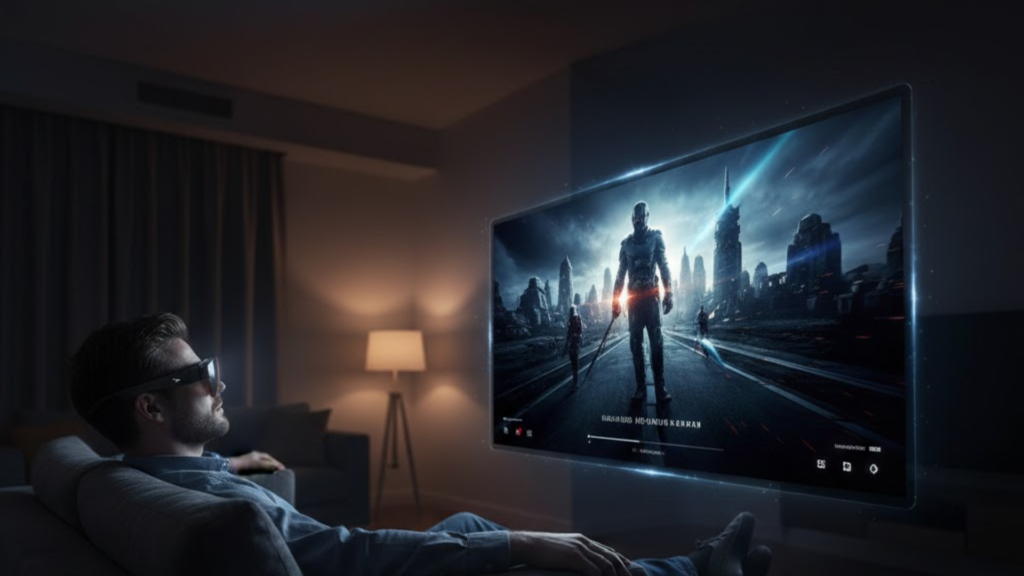
The real use case crystallized after midnight: a large virtual screen displaying PS5 visuals at up to 120Hz — where game and adapter support it — with B&O spatial audio. For PS5 owners who share a living room, the best AR glasses turn any room into a private theater.
Air 4 Pro vs. Viture and XREAL
How does the Air 4 Pro stack up against its direct competitors in the specs that matter most? Below is a side-by-side breakdown covering display quality, comfort, and features relevant to Steam Deck and PS5 gaming.
| Spec | RayNeo Air 4 Pro | Viture Beast | XREAL Air 2 Pro |
|---|---|---|---|
| Price | $299 | $549 | ~$299 (discounted) |
| HDR10 | √ (World’s First) | × | × |
| Resolution | 1080p per eye | 1200p | 1080p per eye |
| Refresh Rate | 120Hz | 120Hz | 120Hz |
| FOV | 47° | 58° | 46° |
| Weight | 76g | 88g | 75g |
| Audio | B&O Quad Speaker | HARMAN AudioEFX | Standard |
| Head Tracking | × | √ (3DoF built-in) | Via Beam accessory |
| Dimmable Lenses | × | √ (9-level) | √ (3-level) |
| AI SDR→HDR | √ (Vision 4000) | × | × |
| Best AR Glasses for Steam Deck | Strong value pick | Premium option | Budget alternative |
The Viture Beast offers a wider 58-degree field of view, built-in 3DoF, and 1200p resolution, but costs $250 more at 88g and lacks HDR10. The XREAL Air 2 Pro adds electrochromic dimming at a similar price point but has no AI upscaling chip.
For gamers who prioritize display fidelity — color accuracy, HDR support, and AI-enhanced rendering — over field-of-view size, the Air 4 Pro is one of the strongest value picks among best AR glasses at this price tier.
Who Should Buy — and Who Should Wait
The Air 4 Pro suits Steam Deck owners who want a color-accurate, HDR-capable wearable display without carrying a portable monitor. PS5 gamers who play late or share a TV will find the large private virtual screen genuinely useful for uninterrupted sessions.
Anyone comparing best AR Glasses for Steam Deck options should note: the Viture Beast’s 58-degree FOV, 1200p resolution, and built-in 3DoF tracking are superior if you can spend $549. If dimmable lenses matter for bright environments, both the Beast and XREAL Air 2 Pro offer electrochromic tinting.
Bottom Line
At $299, the RayNeo Air 4 Pro is one of the strongest value picks among best AR glasses for gaming — offering HDR10, the Vision 4000 chip, and B&O spatial audio. The Viture Beast remains the premium choice for wider FOV and 3DoF, but it costs nearly twice as much.