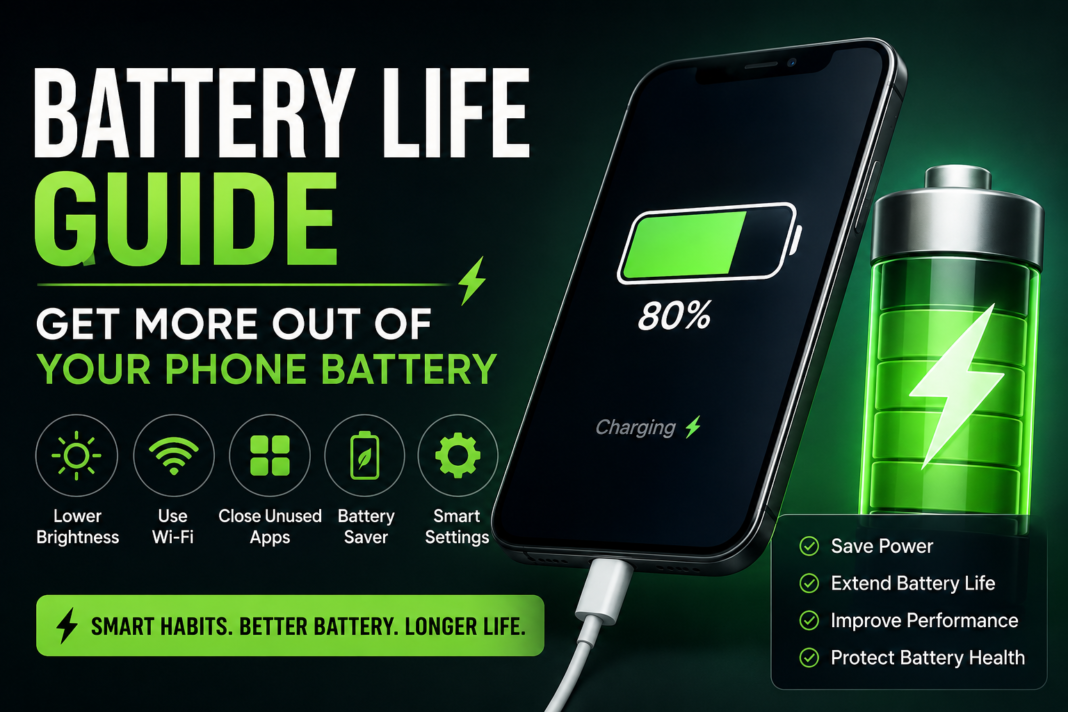
A phone with poor battery life can quickly become frustrating. One minute you’re checking messages or navigating with maps, and the next you’re searching for a charger before the day is even over.
The reality is that fast battery drain is extremely common—especially with modern smartphones handling everything from social media and streaming to gaming and navigation all day long.
The good news? In many cases, you can improve battery performance significantly without replacing your phone. A few smart changes to your settings and daily habits can help your device last longer and run more efficiently.
What Causes Fast Battery Drain?
Phone batteries naturally lose efficiency over time, but daily usage habits also play a major role.
Bright screens, background apps, constant notifications, and weak mobile signal all force your phone to work harder. Even apps you rarely use may continue running silently in the background, consuming battery throughout the day.
Streaming videos, gaming, GPS navigation, and high refresh rate displays can also increase power consumption much faster than basic phone usage.
Another important factor is battery age. After years of charging cycles, batteries gradually lose their ability to hold charge effectively.
Simple Habits That Help Your Battery Last Longer
You don’t need to stop using your phone—you just need to use it smarter.
Lowering screen brightness is one of the fastest ways to reduce battery drain. Auto-brightness can help your phone adjust power usage automatically depending on lighting conditions.
Using Wi-Fi whenever possible instead of mobile data can also preserve battery life, especially in areas where network signal is weak.
Closing unused apps, limiting unnecessary notifications, and turning off features like Bluetooth or hotspot when not needed can all make a noticeable difference over time.
Small adjustments may seem minor individually, but together they can extend your battery life by hours.
Settings Worth Changing Today
Modern smartphones include several built-in tools designed to improve battery performance—you just need to use them properly.
Battery Saver or Low Power Mode reduces background activity and limits non-essential functions to help your battery last longer.
Checking battery usage statistics is also useful. If a single app is using an unusually high percentage of battery, it may need to be restricted, updated, or removed entirely.
Dark Mode can help on OLED displays by reducing power consumption, and shortening screen timeout settings can also prevent unnecessary drain.
Keeping your software updated is equally important, as updates often include battery optimization improvements.
Everyday Factors That Affect Battery Life
Battery performance isn’t only affected by apps and settings. Your environment also matters.
Cold weather can temporarily reduce battery efficiency, while excessive heat can permanently damage battery health over time.
Poor network coverage is another major factor. When signal strength is weak, your phone constantly searches for a better connection, which quickly drains power.
Charging habits also make a difference. Leaving your phone plugged in constantly or using low-quality chargers may shorten battery lifespan in the long run.
Charge Your Phone the Right Way
Healthy charging habits can extend your battery’s lifespan significantly.
Instead of letting your phone drop to 0% regularly, try charging before it becomes critically low. Many experts recommend keeping your battery between 20% and 80% for optimal long-term health.
Avoid overheating while charging by keeping your phone uncovered and away from direct heat sources. Using trusted charging cables and adapters is also important for maintaining stable charging performance.
Fast charging is convenient, but excessive heat from constant fast charging can gradually impact battery condition over time.
Signs Your Battery Might Need Replacing
Sometimes battery problems are no longer related to settings or usage habits.
If your phone shuts down unexpectedly, loses power extremely quickly, overheats often, or takes much longer to charge than before, the battery itself may be worn out.
A swollen battery is an especially serious warning sign and should be checked immediately to avoid further damage.
When a battery reaches this stage, replacement is usually the best solution.
Professional Battery Replacement Services
Replacing a worn-out battery can dramatically improve your phone’s performance and usability.
A professional battery replacement is often far more affordable than buying a brand-new phone, and in many cases it can make your device feel almost new again.
Using quality replacement parts and proper installation is important to ensure safe performance and long battery life after repair.
Need Help With Your Phone Battery?
If your phone battery isn’t lasting like it used to, professional help can save you time, frustration, and unnecessary expense.
At Gadgetclub Witham, we provide reliable battery diagnostics and replacement services for a wide range of smartphones. Whether your device drains too quickly, overheats, or struggles to hold charge, our team can help restore its performance quickly and professionally.
Get more life out of your phone without replacing the entire device.