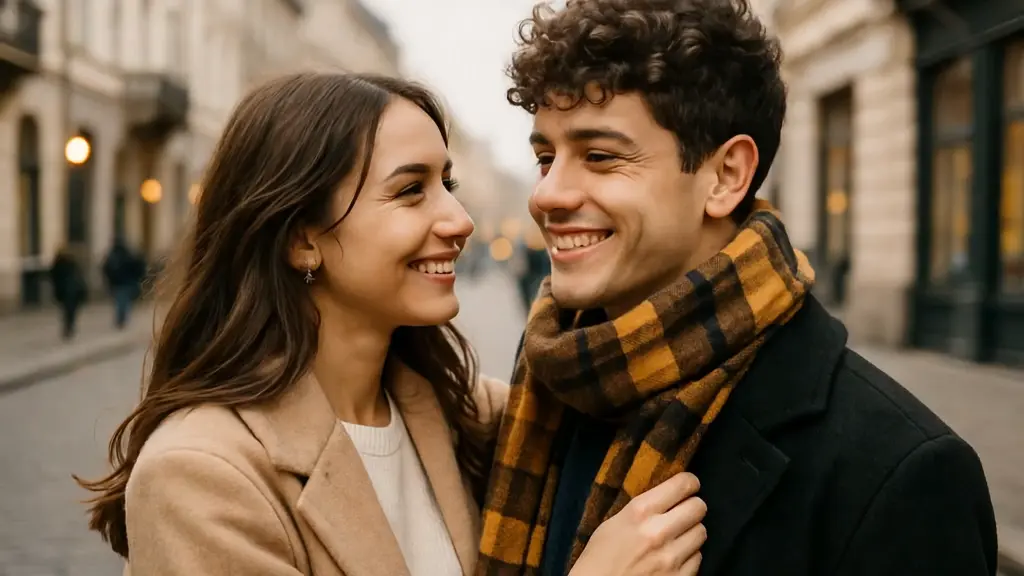
Artificial intelligence has transformed the way we create digital content. From image editing to full-scale video production, AI tools now allow everyday users to produce effects that once required professional studios. One of the fastest-growing trends in this space is AI-powered video editing software that can simulate clothes changes and even generate romantic scenes like kissing videos with just a few clicks.
If you’re curious about how these tools work, which free platforms you can try, and what to keep in mind before using them, this guide breaks everything down in simple, human terms.
What Is AI Clothes Change and Kissing Video Software?
AI clothes change and kissing video software uses deep learning models to modify images or videos. These tools rely on technologies such as generative adversarial networks (GANs) and diffusion models to analyze a person’s face and body, then realistically alter clothing or generate new interactions between subjects.
Some platforms focus on virtual outfit swaps—letting users see how they might look in different styles. Others generate animated scenes from photos, including romantic or affectionate gestures.
Popular AI video and image generation tools include:
- DeepAI
- Runway
- Pika Labs
- CapCut
- Reface
While not all of these are specifically designed for “clothes change” or “kissing” effects, many offer features that can be adapted for creative video transformations.
How These AI Tools Work
At a basic level, AI clothing change tools use image recognition to detect:
- Facial structure
- Body shape
- Pose and positioning
- Lighting and shadows
Once analyzed, the software overlays new clothing textures and adjusts shadows and folds to make the transformation look realistic.
Kissing video generators typically use:
- Facial landmark tracking
- Motion prediction models
- Frame interpolation
The AI creates subtle movements (like head tilts or lip positioning) to simulate natural interaction between two subjects.
Advanced platforms such as Runway even allow text-to-video prompts, meaning you can describe a scene and let the AI generate the animation.
Free AI Software You Can Try
Here are some free or freemium AI tools that can help you experiment with creative transformations:
1. CapCut (Free Plan Available)
CapCut offers AI-powered video effects, including background removal, face tracking, and auto-enhancement. While it doesn’t directly advertise AI clothes changer you can combine masking tools and AI templates to create outfit transformation effects.
Best for:
- Beginners
- Social media creators
- Short-form video content
2. DeepAI
DeepAI provides image generation APIs that can modify or regenerate visuals based on prompts. It’s more technical but useful if you want more control.
Best for:
- Developers
- Custom AI experiments
- Web-based projects
3. Pika Labs
Pika Labs specializes in AI-generated videos from text prompts or images. Users can upload photos and animate scenes, which can include close interactions between characters.
Best for:
- Creative storytelling
- Short AI films
- Social content creation
4. Reface App
Reface is known for realistic face-swapping technology. Although focused more on entertainment, it allows users to insert faces into romantic movie clips or animated scenes.
Best for:
- Fun social videos
- Entertainment-based content
- Quick face edits
5. Runway ML
Runway provides powerful AI editing tools including background changes, object replacement, and motion tracking. Some features are free with limited credits.
Best for:
- Semi-professional creators
- YouTube content
- Marketing visuals
Are These Tools Really Free?
Most AI video tools operate on a freemium model:
- Free tier with limited exports
- Watermarked downloads
- Credit-based generation systems
- Paid upgrades for HD or longer videos
If you’re just experimenting, free plans are usually enough. However, for commercial or high-resolution work, you may need a subscription.
Important Ethical Considerations
While AI video tools are exciting, they also raise ethical and legal concerns. Creating AI kissing video generator free or clothing swaps involving real people without consent can cross privacy boundaries.
Before using any AI software, consider:
- Do you have permission from the person in the image?
- Is the content respectful and legal?
- Are you complying with the platform’s terms of service?
Misusing AI-generated intimate content can result in account bans or legal consequences.
Tips for Better AI-Generated Results
If you want realistic outcomes, follow these tips:
- Use high-quality source images
- Ensure faces are clearly visible
- Choose well-lit photos
- Avoid cluttered backgrounds
- Keep expectations realistic—AI still has limitations
The better your input material, the more natural the transformation will look.
Who Uses These AI Tools?
AI clothes change and romantic scene generators are used by:
- Social media influencers
- Digital marketers
- Short-form content creators
- Filmmakers experimenting with AI
- App developers
These tools are increasingly common on platforms like TikTok and Instagram, where viral AI transformations attract millions of views.
The Future of AI Video Editing
AI video generation is evolving rapidly. With improvements in realism, motion accuracy, and personalization, tools are becoming more accessible every year.
Companies are investing heavily in generative AI research, meaning we can expect:
- More realistic human motion
- Real-time editing
- Mobile-based AI production
- Stronger content moderation systems
As this technology grows, responsible usage will be more important than ever.
Final Thoughts
Free AI software for creating clothes change and kissing videos makes advanced visual effects accessible to everyone. Whether you’re experimenting for fun or producing creative social media content, there are multiple platforms offering beginner-friendly options.
However, always prioritize consent, respect privacy, and use these tools ethically. AI is powerful—and when used responsibly, it can unlock a whole new level of creative expression.